Your Ubisoft account is the key
All Brawlhalla account linking runs through a Ubisoft account, so protecting it protects your skins, legends and progress on every platform.
The checklist
- Use a unique password for your Ubisoft account and your email.
- Turn on two-step verification on your Ubisoft account and your email.
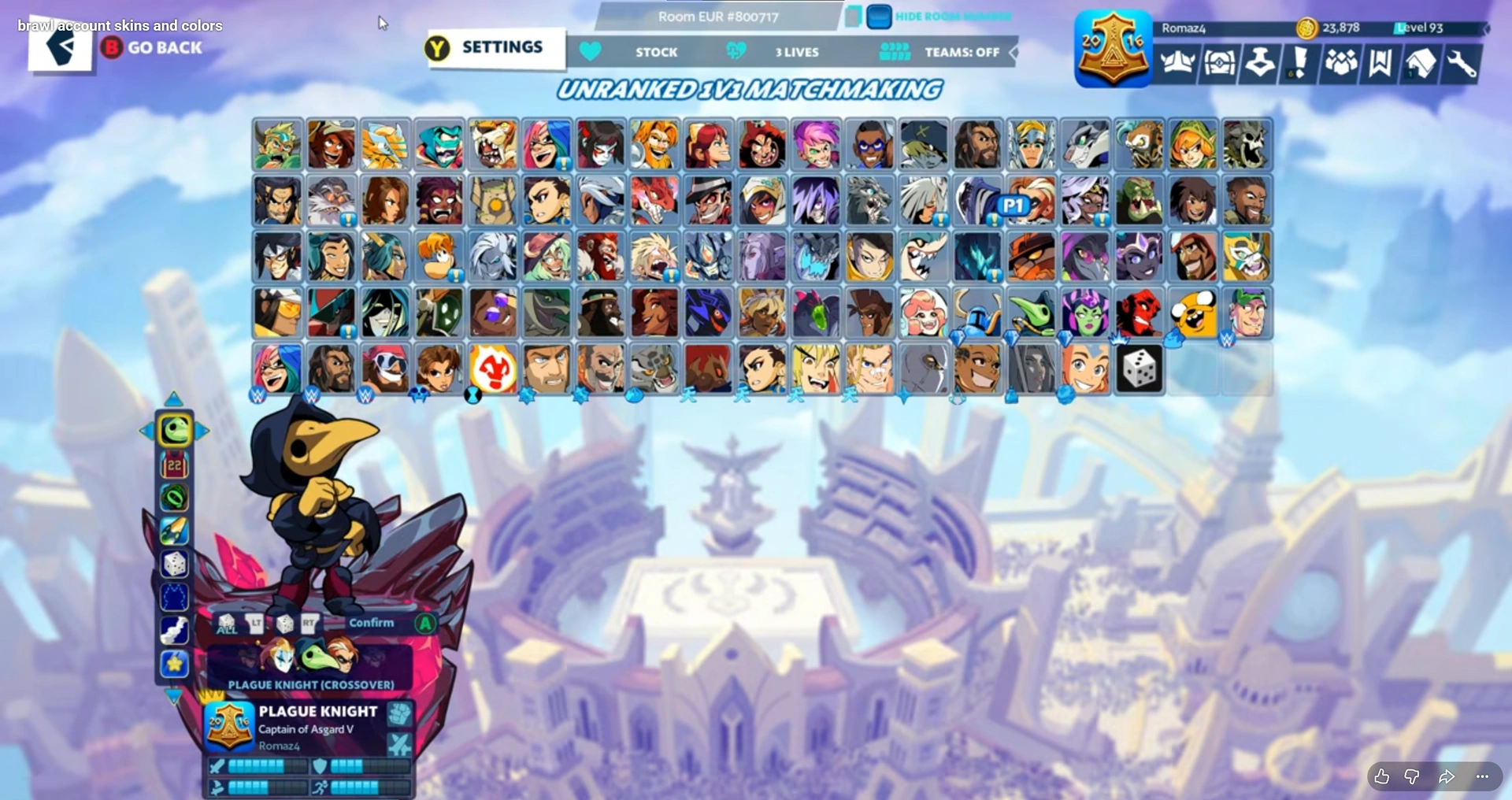
- Check your linked accounts in the Account Linking menu. You should recognise every account listed.
- Never type your password on a site that promises free codes or Mammoth Coins.
- Ignore "code generators". They are always fake. See real free codes vs fake ones.
- Be careful with DMs. Real giveaways come from official accounts, not strangers asking for your login.
After buying an account
- Change the password and email as soon as you receive it, if the delivery includes login details.
- Enable two-step verification on it.
- Link it carefully, remembering that only one account per platform can be linked. See the linking guide.
After buying codes or coins
- Redeem codes yourself in the store; a real seller never needs your password for a code.
- Keep your order email and invoice in case you need support.
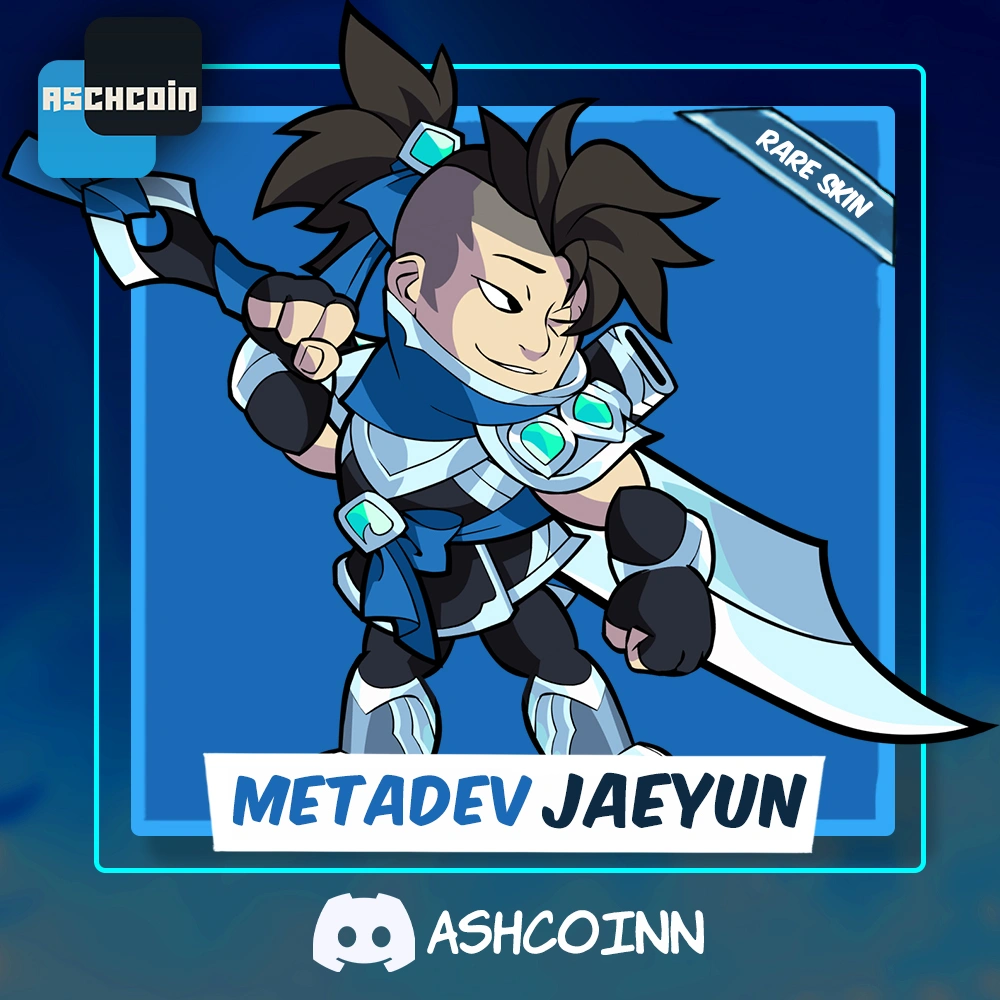
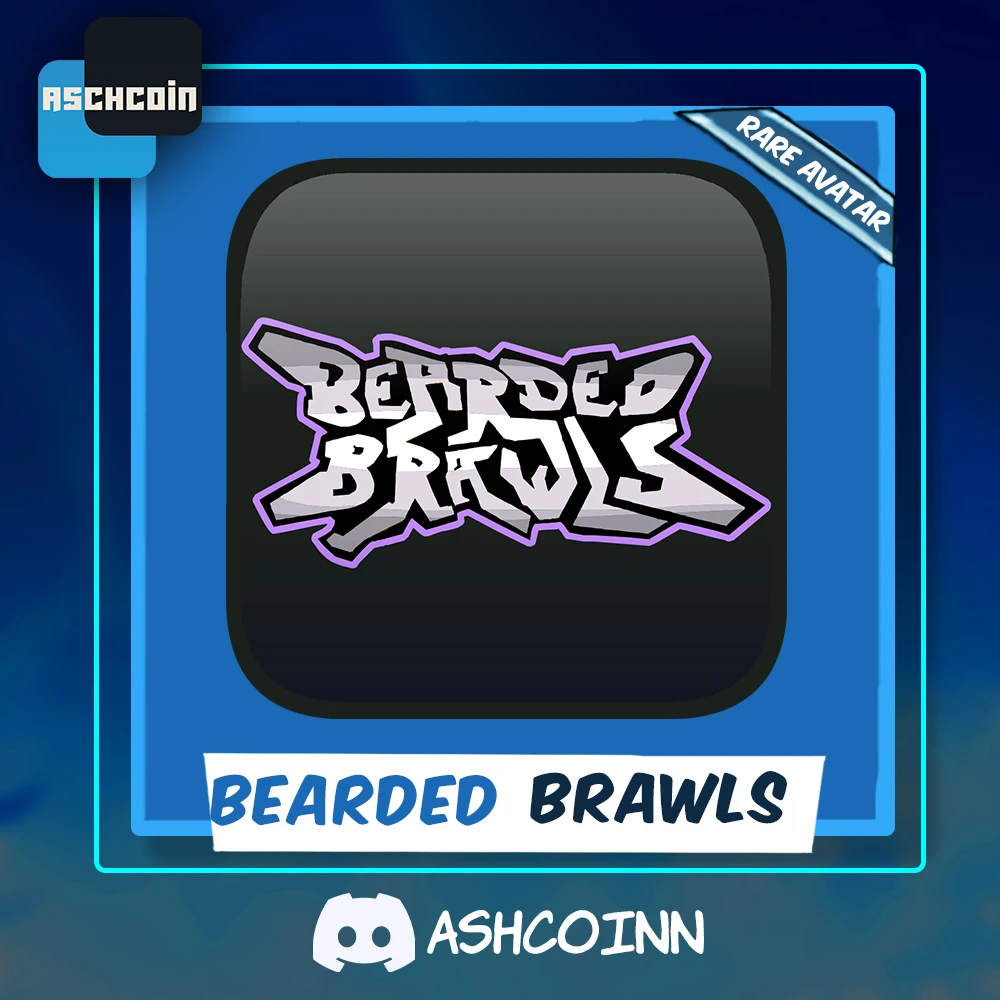
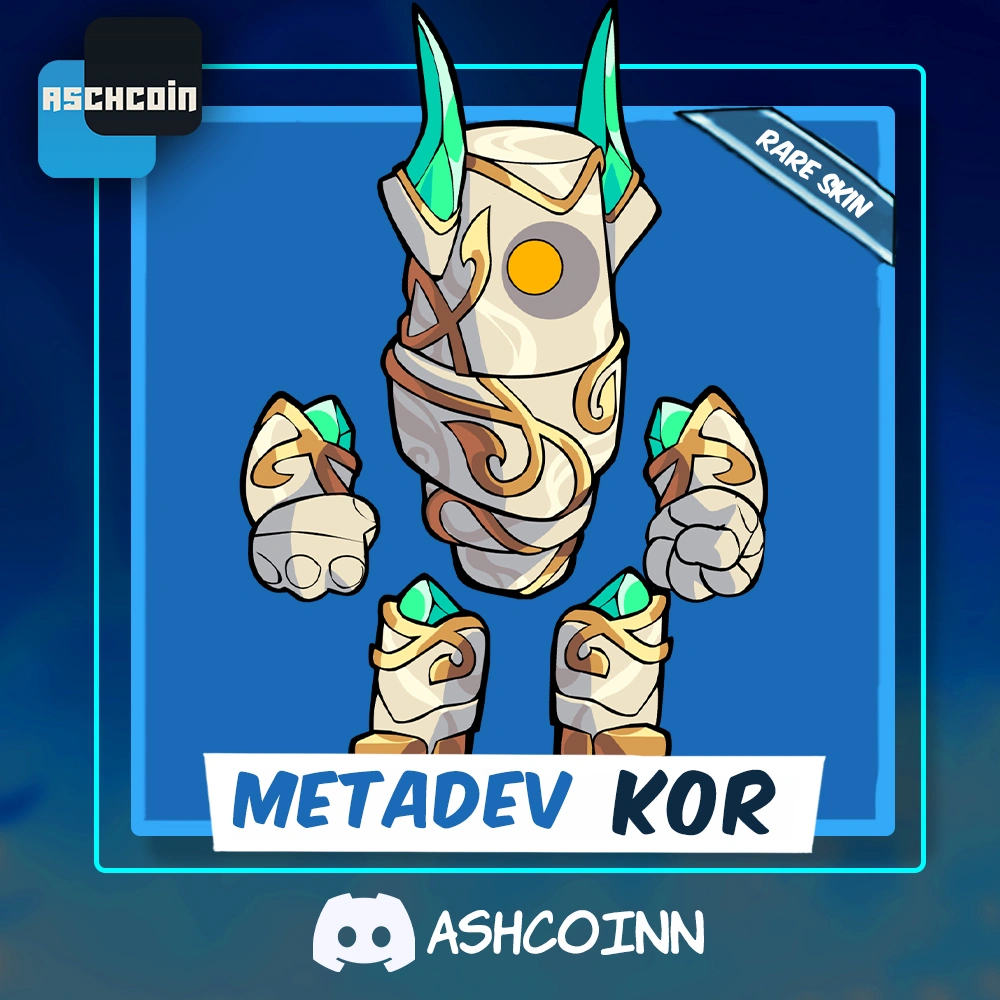
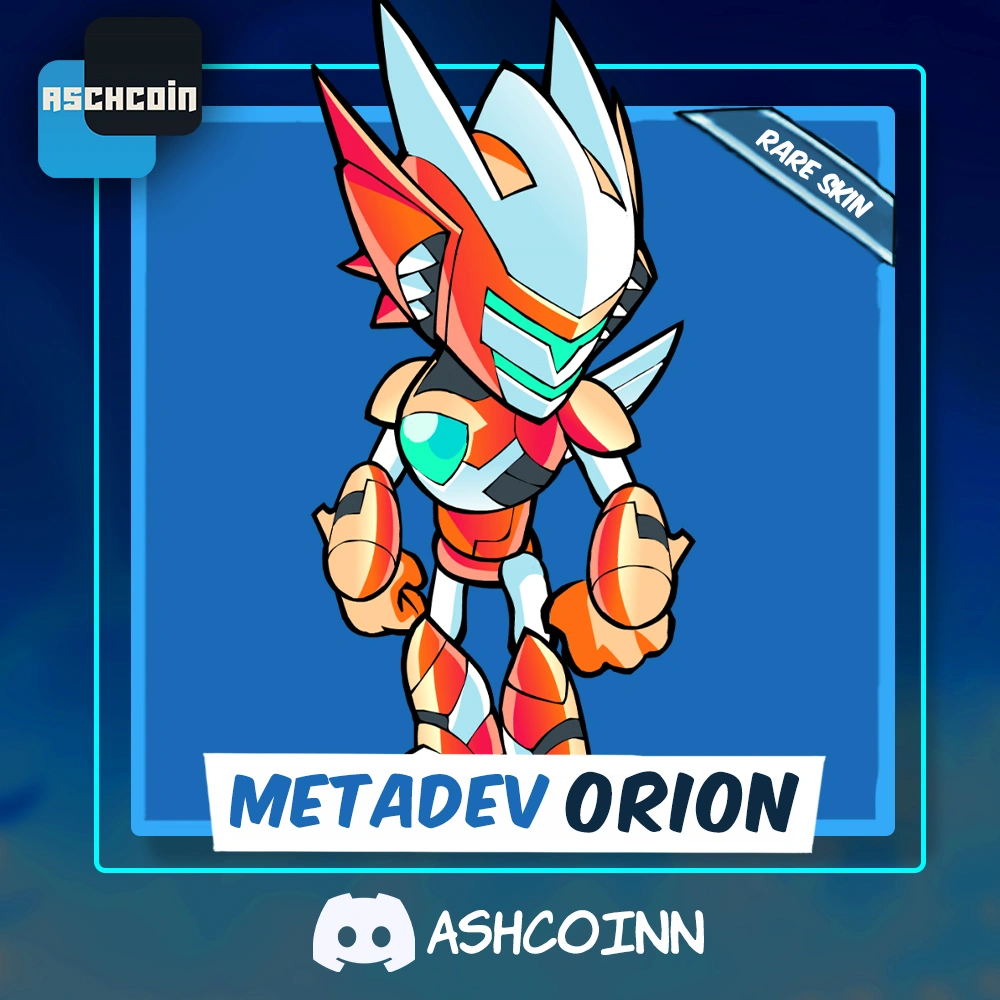
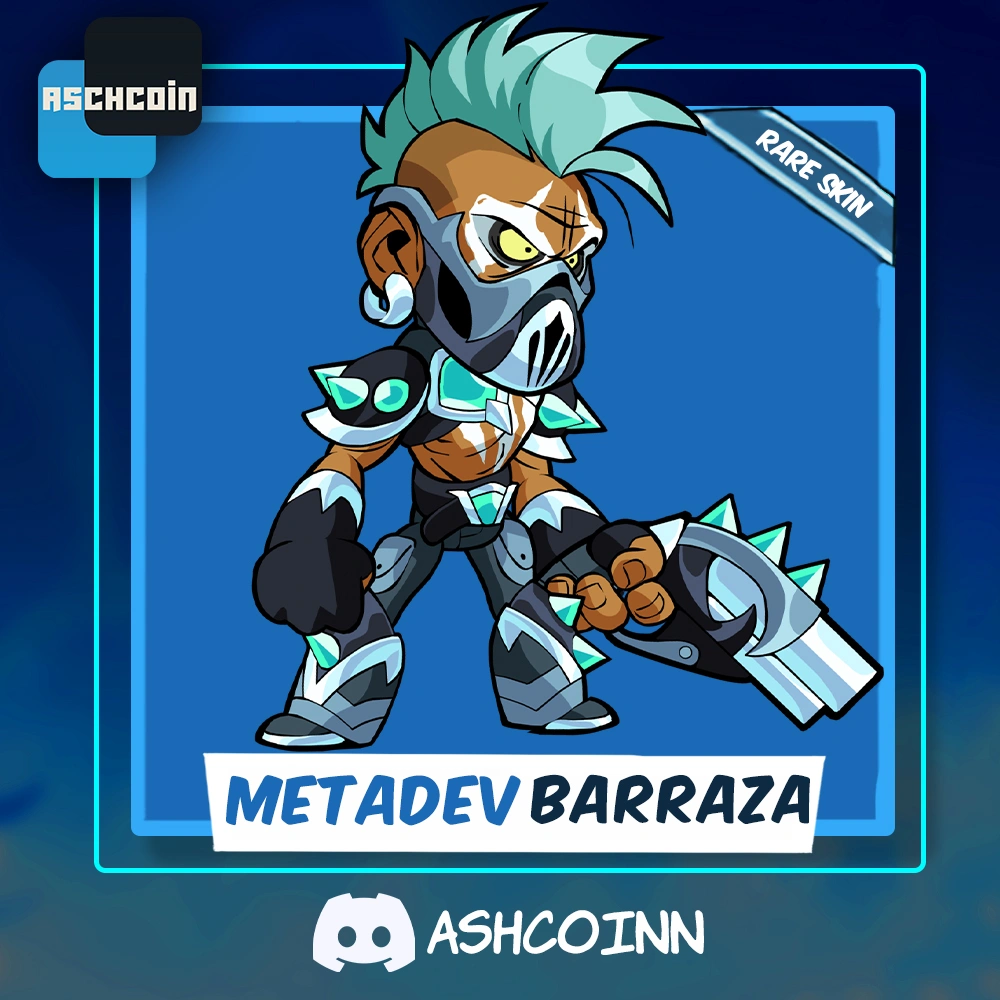
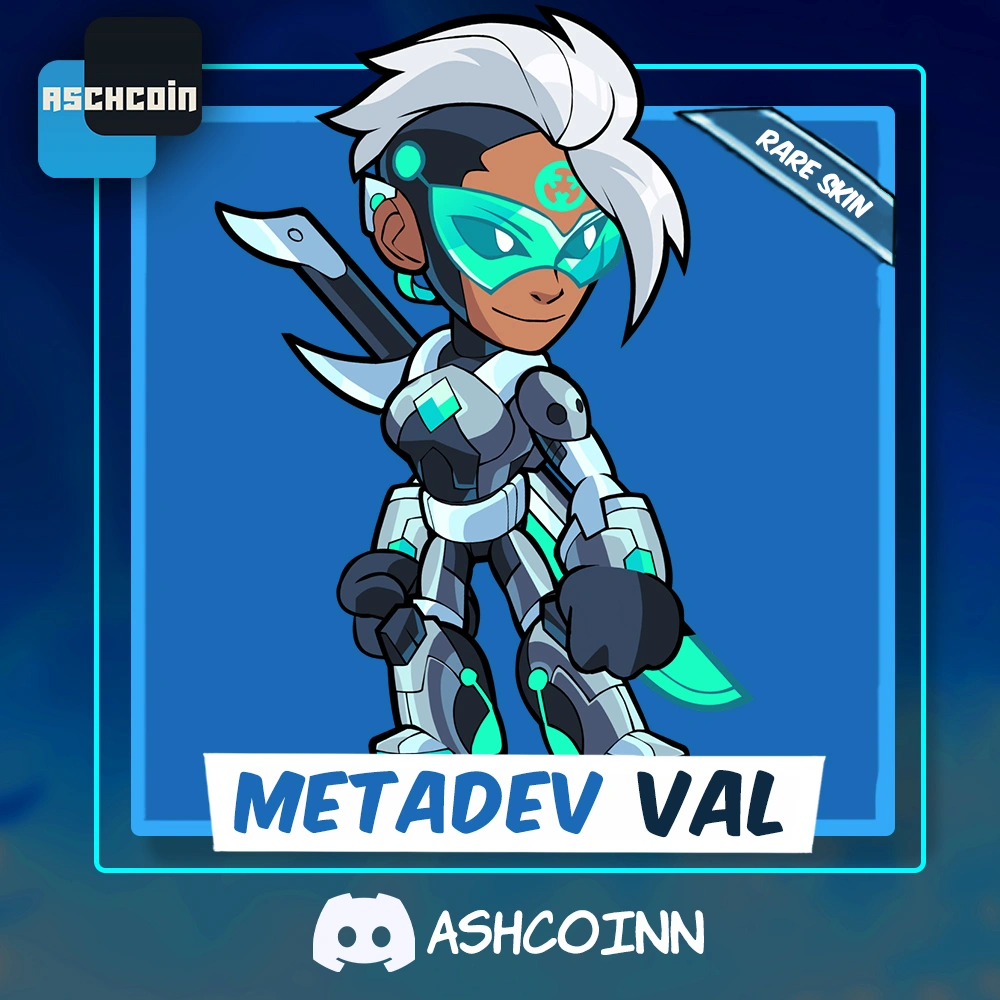
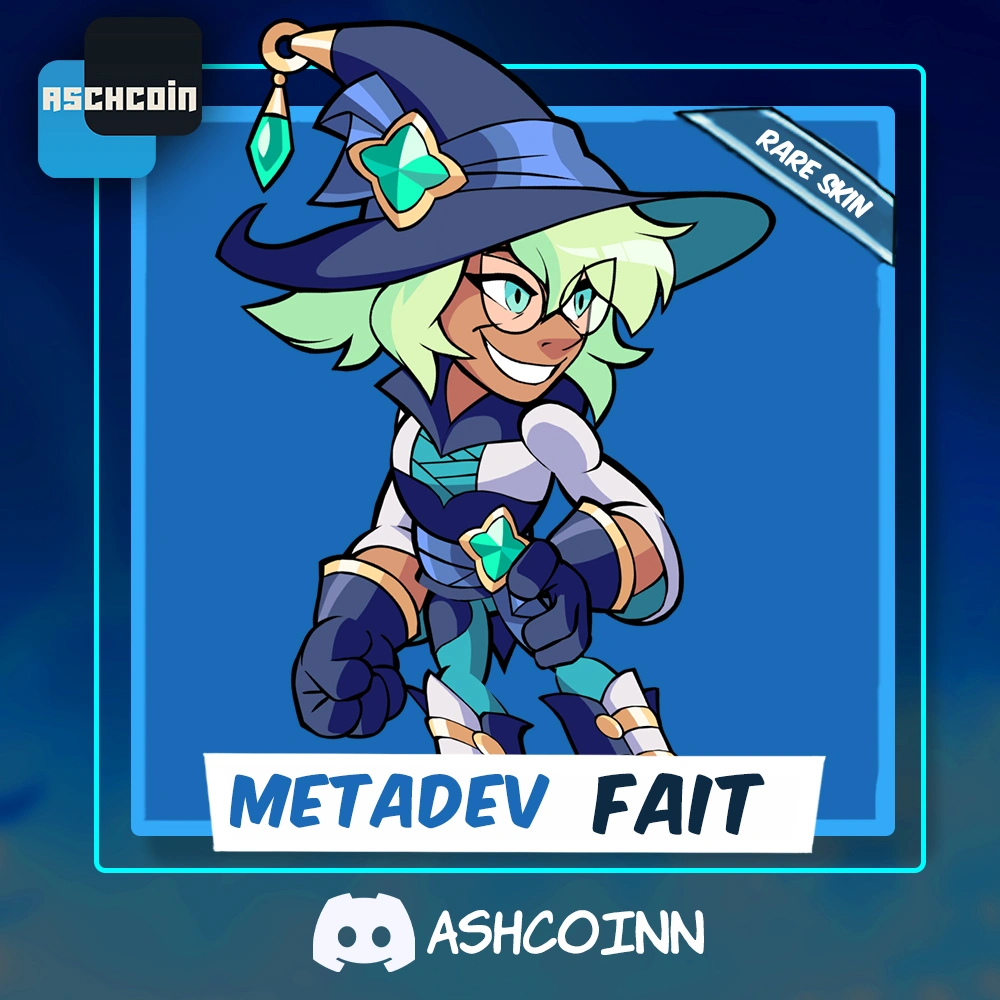
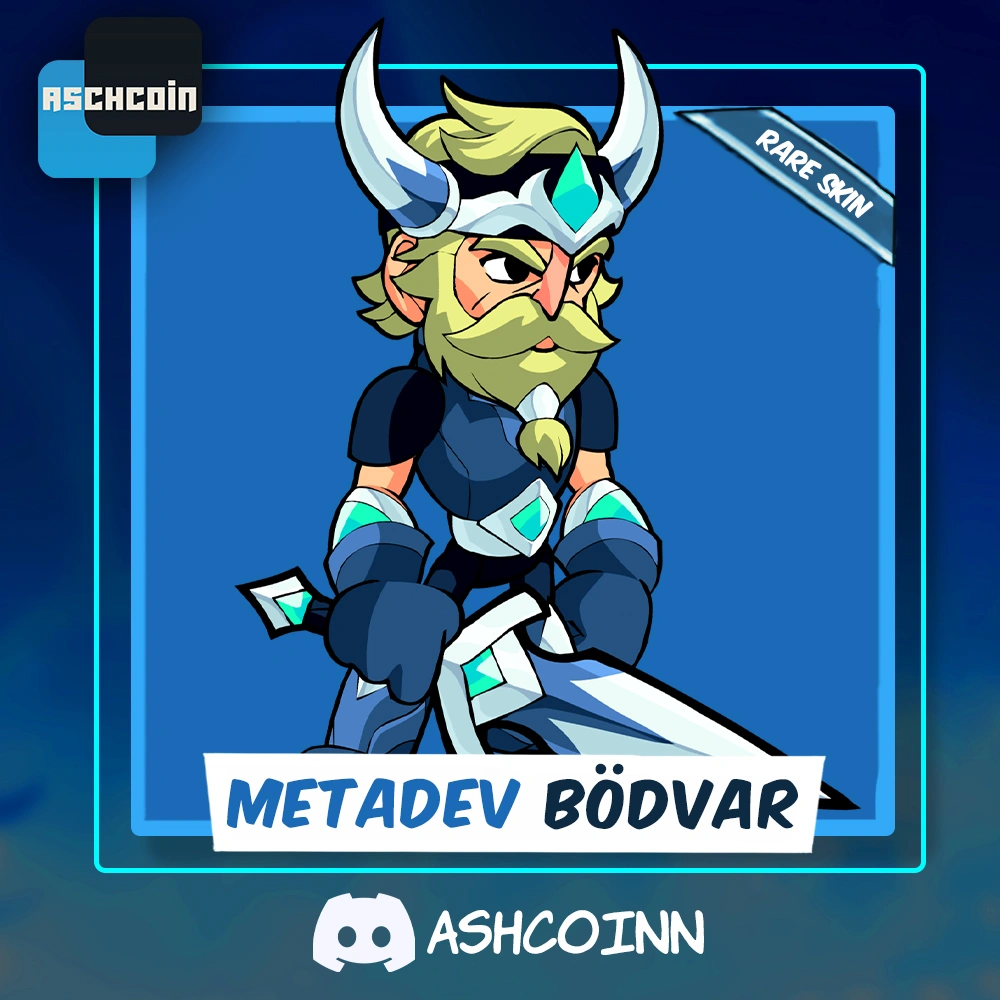
Codes we sell, like Metadev codes and the BeardedBrawls avatar, are redeemed by you, so your account never leaves your hands.
Need help?
If something looks wrong with an order from us, open a ticket on our site. Support is available from 11 AM to 1:30 AM Cairo time.
FAQ
Can someone steal my skins with a code?
No. A code only adds items. Phishing sites that ask for your password are the real danger.
What if I see an account I don't recognise linked?
Secure your Ubisoft account immediately and change your passwords.