Brawlhalla on your phone
Brawlhalla came to iOS and Android on August 6, 2020, and it is the same game as on PC and console: same legends, same modes, same ranked. Mobile players can even play against PC and console players thanks to cross-play.
Set up your touch controls
- Open the control settings and move the buttons to where your thumbs naturally rest.
- Make the dodge and jump buttons bigger. They are the ones you press most under pressure.
- Keep light and heavy attack close together so you can switch between them quickly.
- Practise in Training mode until you stop looking at the buttons.
Use a controller if you can
A Bluetooth controller connected to your phone makes Brawlhalla feel almost like console. Precision improves a lot, especially for dodging and recovering. Our controls and keybinds guide has a good controller layout.
Performance tips
- Play on Wi-Fi when you can. A stable connection matters more than speed.
- Close other apps before playing to avoid stutter.
- Keep your phone charged; low-power modes can reduce performance.
Cross-play and cross-progression
Link your mobile account to a Ubisoft account to share your legends, skins and progress with PC and console. Then you can play the same account everywhere.
Mammoth Coins on mobile
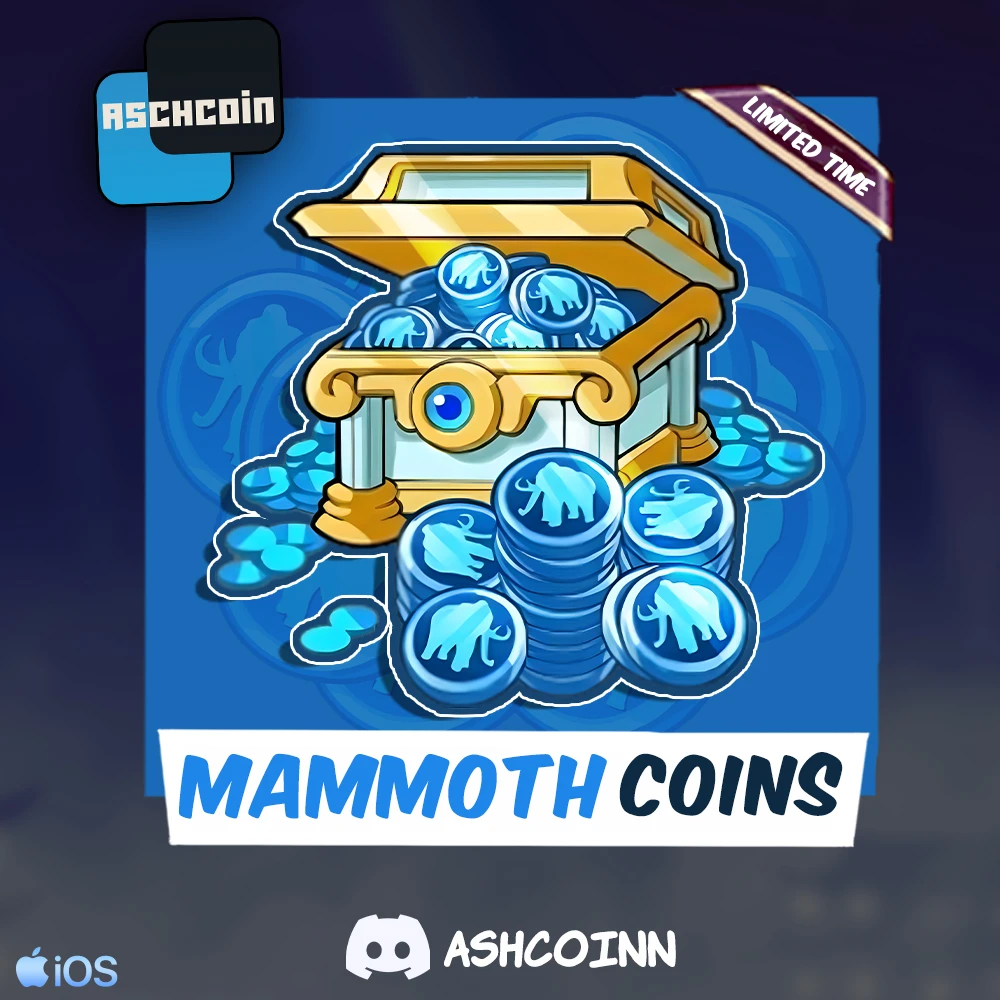
Mammoth Coins bought on iOS through the App Store are tied to how Apple handles purchases. If you play on iPhone, our iOS Mammoth Coins are made for that platform and cost much less than the in-game price. On Android or other platforms, see our full Mammoth Coins list.
Best legends for mobile
On touch controls, simple weapons are easier: Sword, Spear, Hammer and Rocket Lance. Legends like Bödvar, Orion and Hattori are great choices. See our best legends for beginners.
FAQ
Is Brawlhalla mobile the same as PC?
Yes. Same legends, modes and ranked, with cross-play between platforms.
Can I use my PC account on mobile?
Yes, if both are linked to the same Ubisoft account.